Home services
Northline Roofing
“Find unanswered homeowner inquiries and prepare the next reply.”
- Ask what needs attention today
- Prepare a reply using the customer’s thread
- Create a follow-up task
Explore Command Center
Command Center connects your customers, conversations and work. Ask your agent to find answers, prepare replies, organize follow-ups and handle the routine work you’ve allowed. You review messages, publishing and other consequential actions before they run.
Explore a fictional business. Actions are simulated, and no signup is required. If the demo agent is unavailable, you can still explore the workspace.
The agent finds Jordan’s unanswered request, checks the linked opportunity and prepares the next step.
“Find unanswered inquiries and prepare a reply using each customer’s history.”
Three ways to try it
Tell the agent what you need in your own words. It gathers the context, prepares the work and brings decisions back to the conversation.
Fictional example · Northline Roofing
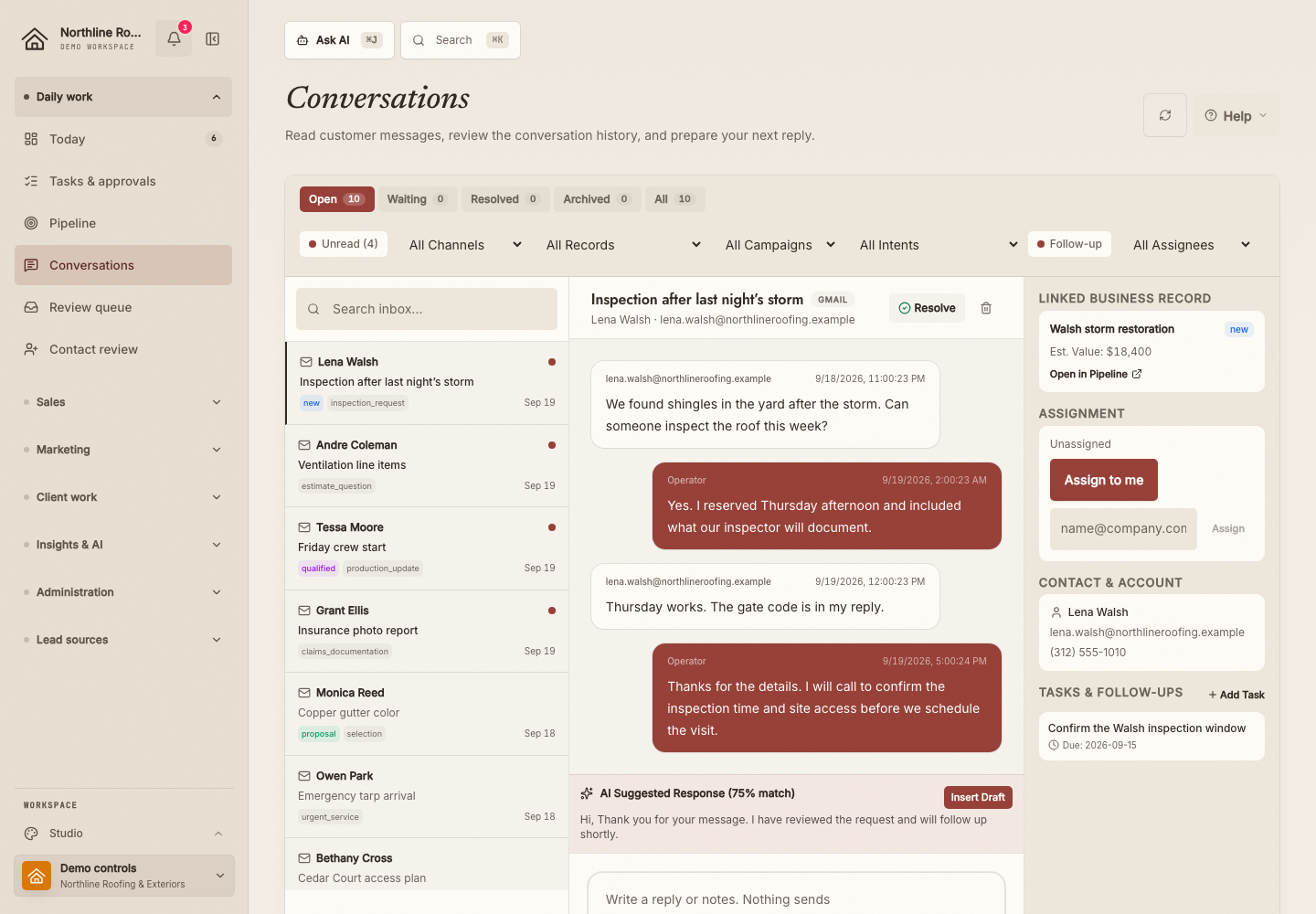
A customer has asked about an inspection. The person replying needs the conversation and the opportunity in view.
Ask the agent to find an unanswered inquiry, read the thread and prepare a reply plus a follow-up task.
Open Review in the conversation. Check the exact customer, message and task. Approve or reject each proposal without leaving chat.
Read the simulated result in chat. Open the linked thread or task if you want to inspect it, then reload to check it remains saved.
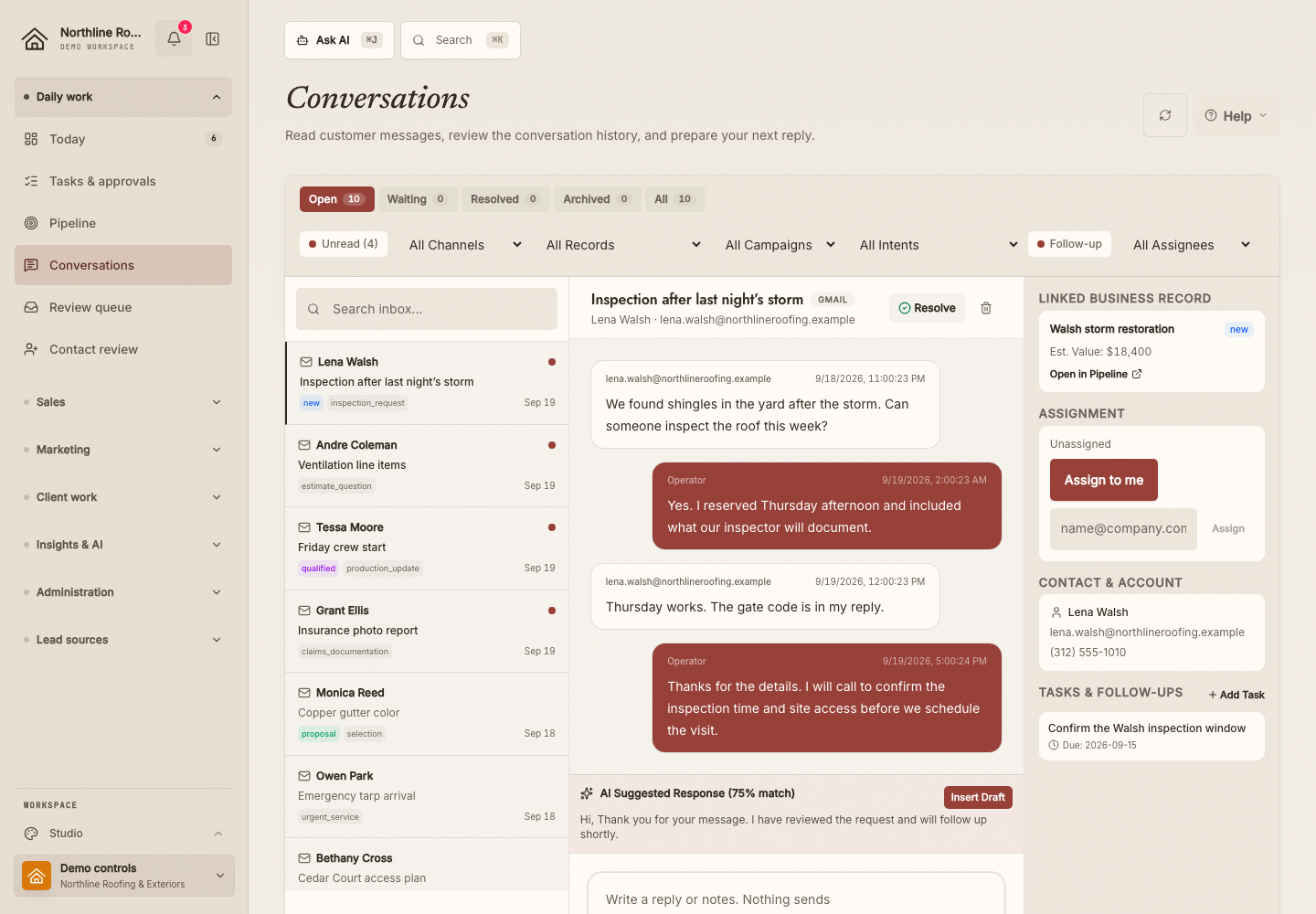
The result to check
A simulated reply saved in the customer’s thread, ready for the next teammate to pick up.
Use the setup recipeSix fictional workspaces
Choose a business and try its suggested request, or ask your own question. Each workspace has fictional customers, conversations and work to explore.
Home services
“Find unanswered homeowner inquiries and prepare the next reply.”
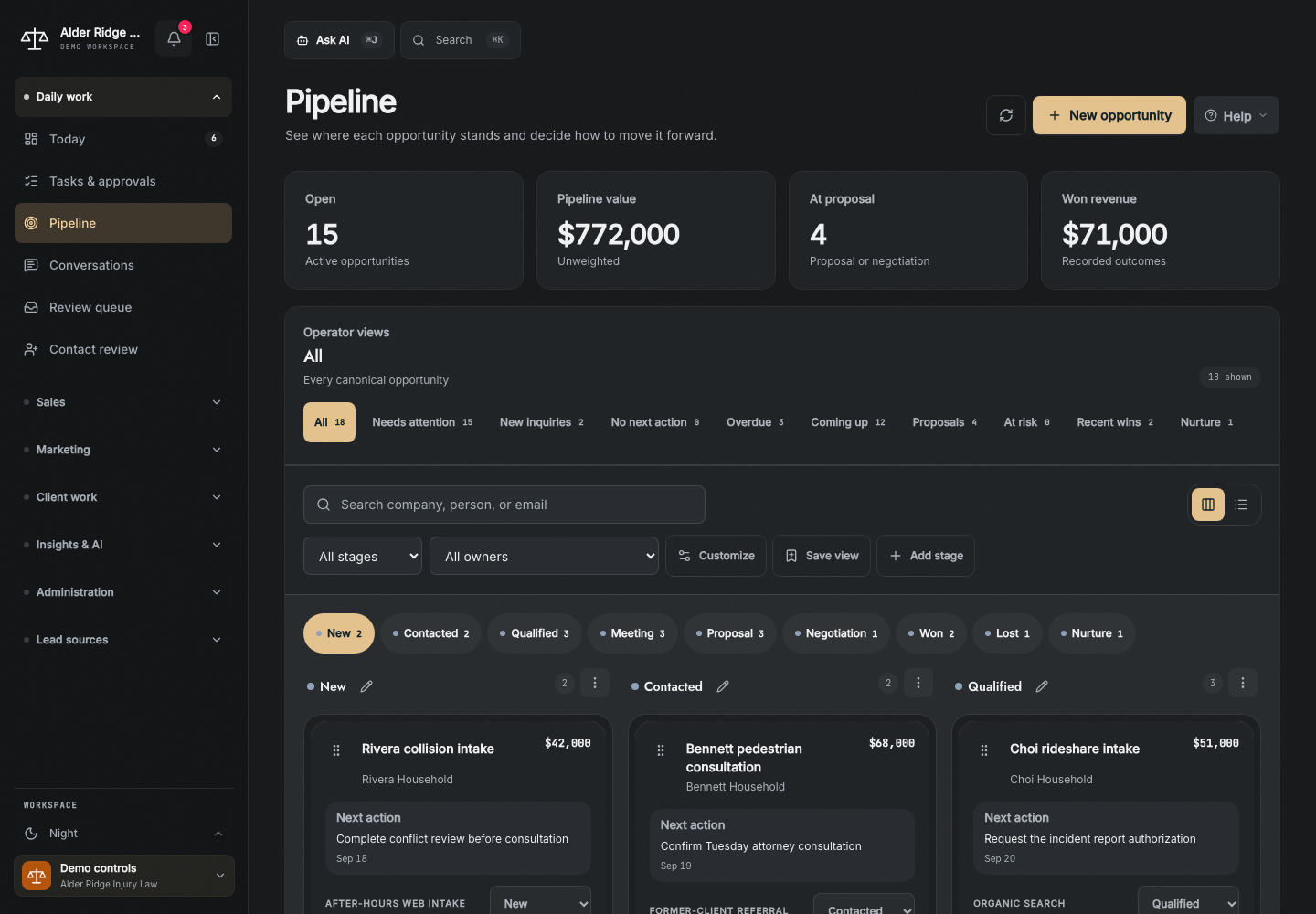
Law firms
“Show me the inquiries waiting on us and prepare a follow-up.”
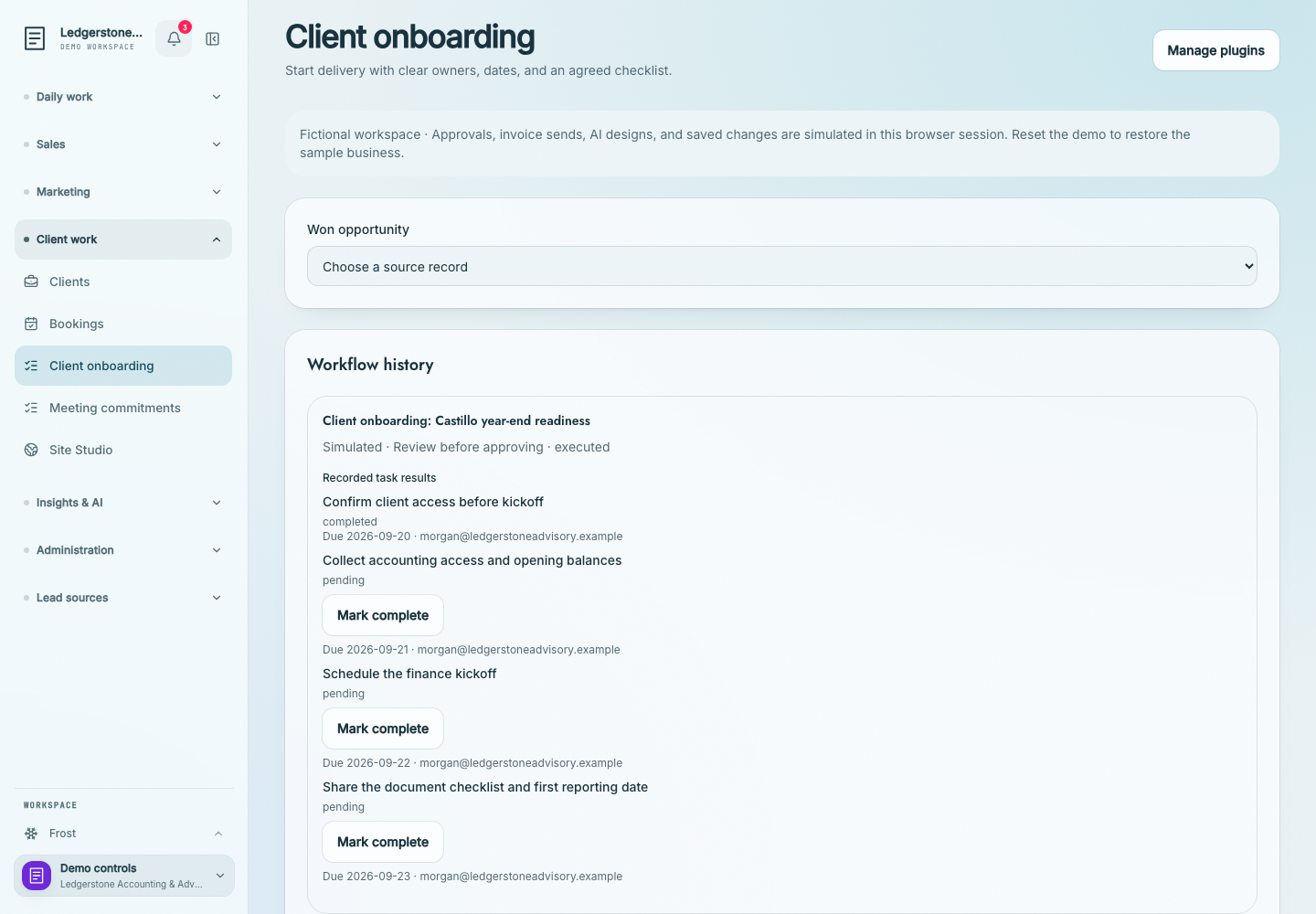
Professional services
“Turn our client commitments into an assigned checklist.”
Real estate
“Find buyers who need a follow-up and explain the next step.”
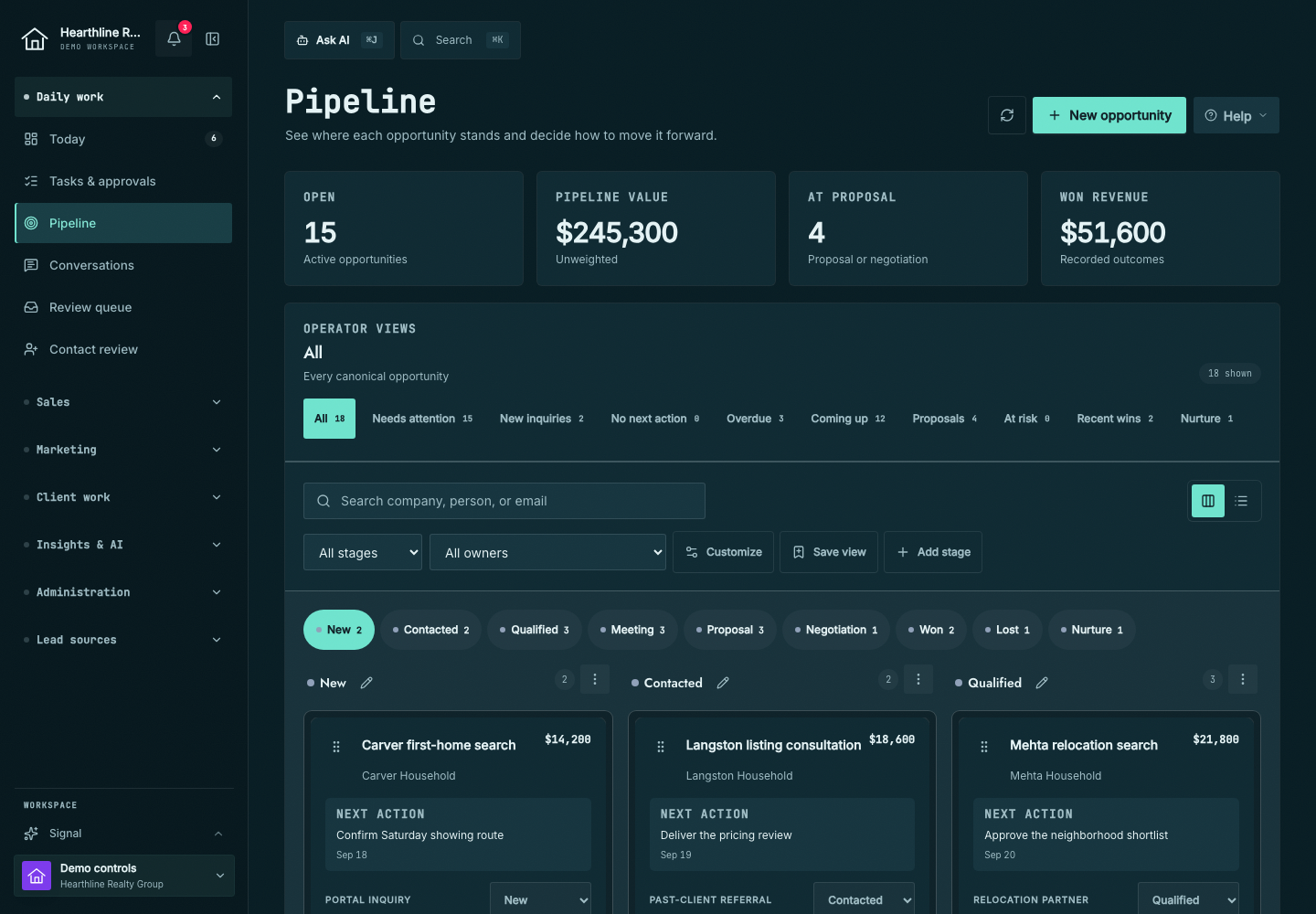
Nonprofits
“Turn the meeting commitments into follow-up tasks.”
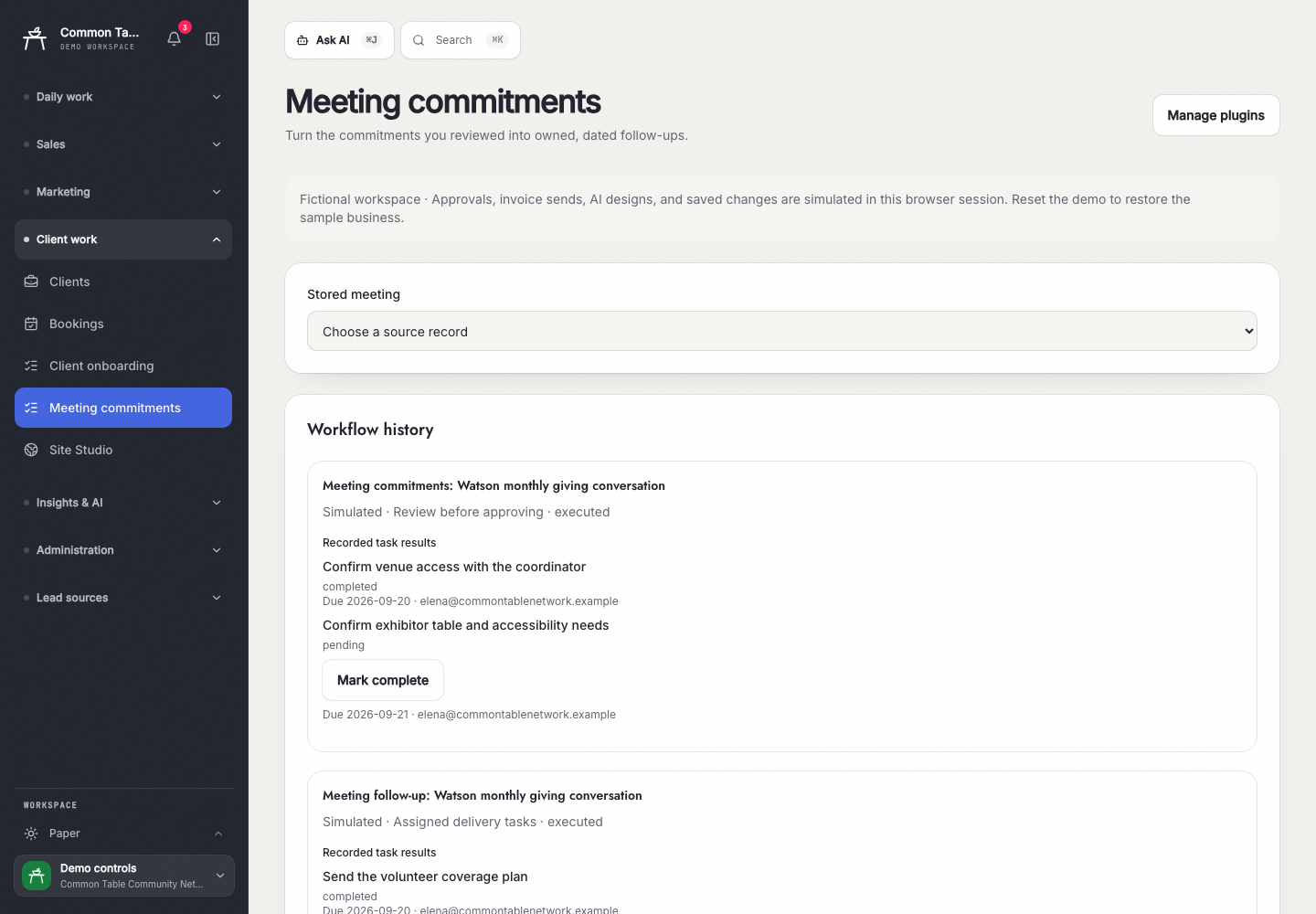
Learning platforms
“Find invoices that need attention and prepare a reminder.”
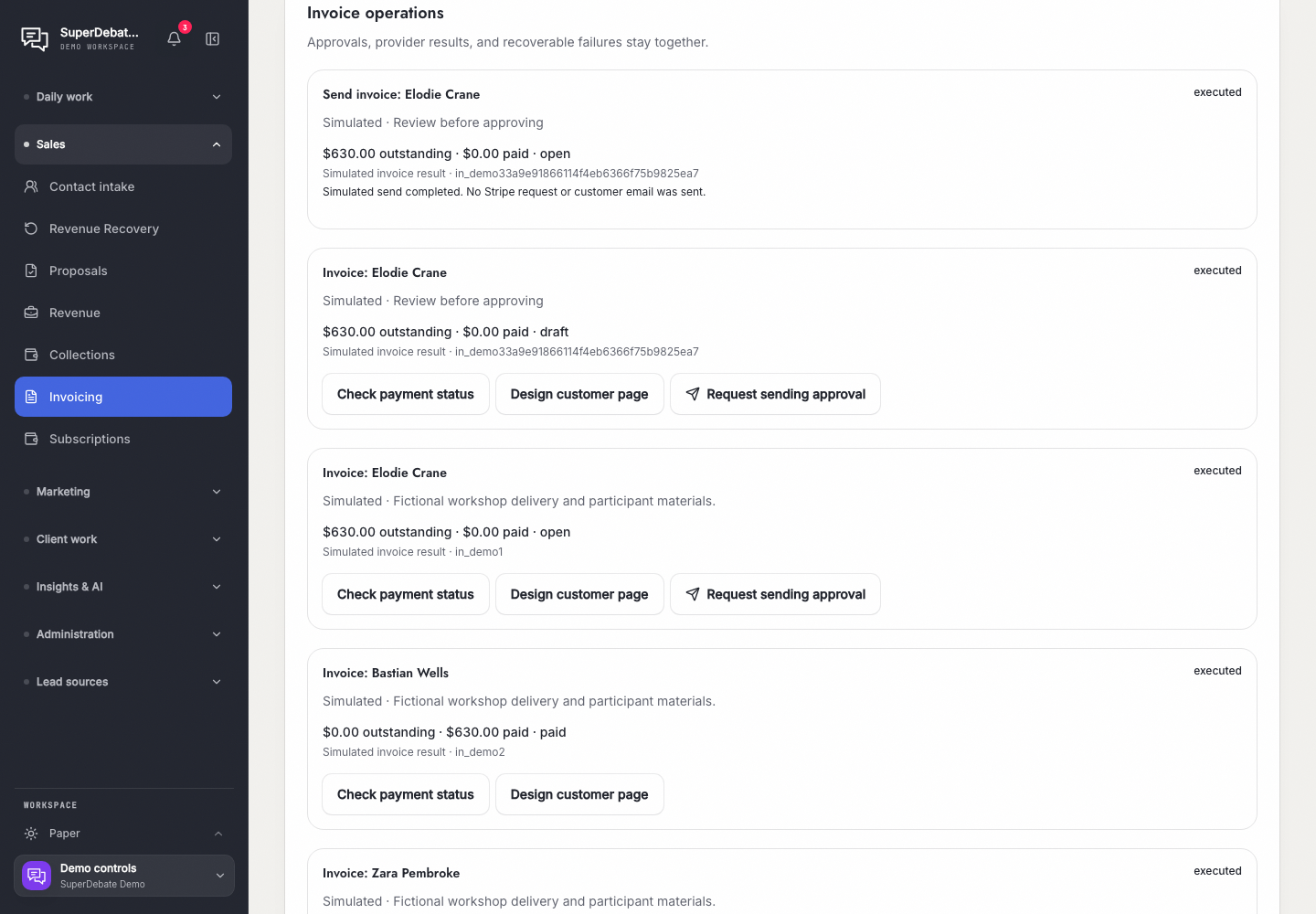
Keep going
Connect your tools, define what your agent can handle and keep a record of every result. Accelerate can help you decide where AI belongs, build the right solution and run and improve it with your team. Command Center is one option.
Make it useful
Start with customer replies, client handoffs or invoice follow-ups. The recipes explain the setup, permissions and results to check.
Explore workflow recipesMake it yours
Run the workspace yourself, connect an agent through MCP or add a custom App. Agents and screens use the same business services and permission checks.
Read the builder guides